
Where can I find my invoice?
Table of Contents
For every purchase you make on Daan.dev, you’ll receive an invoice, which can be retrieved in multiple ways.
From the Order Confirmation
When you place an order on Daan.dev, you’ll receive an order confirmation. This order confirmation contains a link, called View Invoice. Renewal emails contain this link, too.
From your Account Area
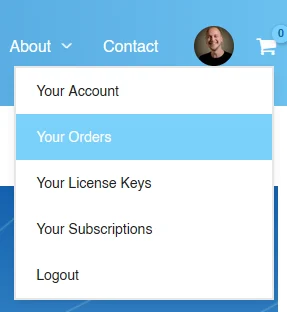
When logged in, go to Your Orders. Your invoices are always available here:
In the table of orders, you’ll find a column, called Invoice:
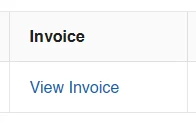
Click on View Invoice and your invoice will open in a new window.
The View Invoice link doesn’t work?
The most reliable way to get your invoice: log in to daan.dev, go to Your Orders, and open or download your invoice there. The links in your account area are always up to date.
When you click View Invoice in an email:
- If you’re logged out, you’re asked to log in first. After logging in, click the link in the email again.
- Still seeing “You do not have permission to view this invoice”? Make sure you’re logged in with the account you used for your purchase, or get your invoice from Your Orders.